
Introduction
Finding a laptop with a DVD drive might feel like a throwback, but these devices remain essential for various reasons. From watching DVDs to installing software, the DVD drive fulfills needs modern streaming services sometimes cannot. This guide will explore why investing in a laptop with a DVD drive is still a smart choice in 2024. We will also examine top models available, highlight important features to consider, and discuss modern alternatives, helping you make an informed decision.

Why Choose a Laptop with a DVD Drive?
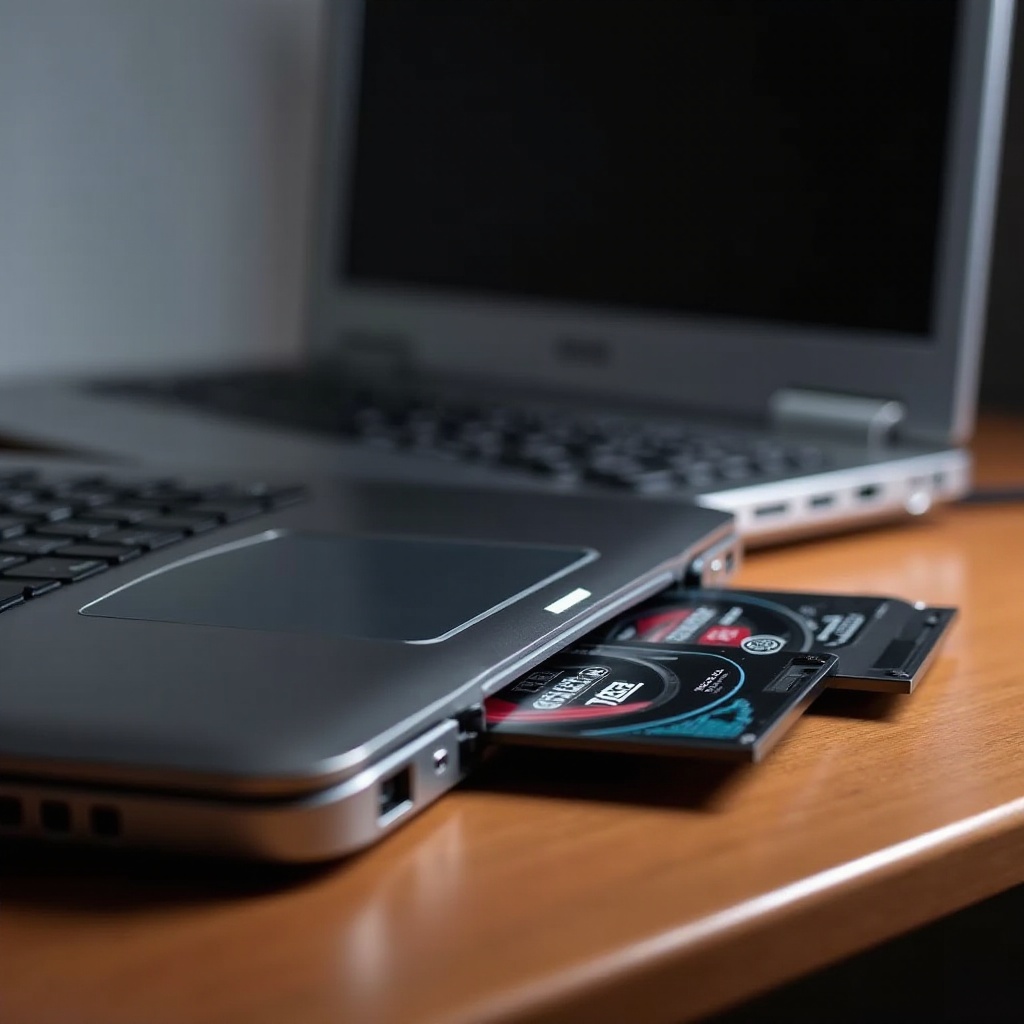
Despite the dominance of digital media, choosing a laptop with a DVD drive can offer unique benefits. Built-in DVD drives eliminate the hassle of external add-ons, providing seamless media playback. Whether for entertainment or essential data backup, these drives ensure reliability without needing a constant internet connection.
These built-in drives are critical for both businesses and individuals. Enterprises often prefer distributing software via DVDs for security reasons, while users in areas with limited internet enjoy uninterrupted access to media. Understanding these benefits helps appreciate the upcoming models that offer this functionality alongside modern features.
Top Laptops with DVD Drives in 2024
Choosing the right laptop involves balancing several factors, including performance, design, and functionality. Let’s look at some top selections:
-
Dell Inspiron Series: The Dell Inspiron series stands out for its robust combination of power and affordability, making it a favorite among diverse users. Its sturdy build and capable hardware cater to both casual users and professionals.
-
Lenovo ThinkPad Series: Known for its exceptional reliability and ergonomic design, the Lenovo ThinkPad series remains a staple, especially in business circles. The series offers models that maintain functionality for environments heavily reliant on DVDs.
-
HP Pavilion Series: Emphasizing style and functionality, the HP Pavilion series delivers on both fronts. Its inclusion of a DVD drive allows users to effortlessly enjoy their media library or undertake data management tasks creatively.
These choices underscore the significance of retaining a DVD drive without compromising on contemporary laptop features.
Key Features to Consider When Buying
When seeking a laptop with a DVD drive, consider these key aspects:
-
Performance and Specifications: Ensure you select configurations with a minimum of Intel Core i5 or AMD Ryzen 5 processors coupled with at least 8GB of RAM. These specifications promote effective multitasking and robust performance.
-
Build Quality and Design: A lightweight yet durable build is ideal. Look for additional features like a backlit keyboard and high-resolution display to enhance usability and comfort.
-
Price Range and Budget Considerations: Maximizing value is crucial. Compare specifications and prices among brands, and be vigilant for promotional deals and offers.
Analyzing these critical points will assist in selecting a laptop that delivers on both functional and budgetary levels.
Alternatives to Laptops with Built-In DVD Drives
For those who appreciate the utility of DVD drives yet are pondering newer technological options, viable alternatives exist:
-
External DVD Drives: Offering impressive versatility, these drives connect effortlessly to laptops via USB. They are ideal for occasional use without necessitating a built-in drive.
-
Emerging Technology Trends: Cloud-based services and streaming platforms like Netflix and OneDrive are transforming media consumption and storage. These services offer convenience and reduce reliance on physical media.
Exploring these alternatives provides users with varied options for enjoying and managing their data and media efficiently.
Conclusion
In wrapping up, laptops with DVD drives continue to offer substantial value, adapting to the evolving digital landscape. They provide unparalleled access to media and cater to niche professional needs, ensuring functionality is never sacrificed. Whether opting for a model from Dell, Lenovo, or HP, understanding core features and considering alternatives empowers shoppers to make sound decisions tailored to their specific requirements.
Frequently Asked Questions
Are laptops with DVD drives still relevant in 2024?
Yes, they are relevant for users needing physical media for software installation, media playback, and data backup.
Can I use an external DVD drive with any laptop?
Most laptops support external DVD drives via USB, providing flexibility without a built-in drive.
What are the best alternatives to physical DVDs for media consumption?
Streaming services and cloud storage are popular, offering instant access and extensive media without physical media.