
Introduction
The power of a docking station lies in its ability to transform any laptop into a full-fledged workstation, enhancing productivity like never before. When searching for the ideal laptop that pairs perfectly with docking stations, it’s vital to navigate the myriad of available options. This guide leads you through the critical features and top laptops offering seamless docking compatibility, ensuring a setup that’s both efficient and future-proof.

Why Choose a Laptop with Docking Station Capability?
Connecting a laptop to a docking station provides instant access to multiple peripherals, boosting both utility and convenience. The ability to connect additional monitors, external storage, printers, and other gadgets without handling multiple cables is a game-changer. For professionals managing various tasks or creatives needing extensive setups, a laptop compatible with docking stations becomes crucial.
Moreover, as technology advances, these laptops not only support docking but also come with improved performance, sleek designs, and superior build quality. Opting for a docking-ready laptop means investing in a versatile workspace adaptable to countless tasks. This flexibility is indispensable for anyone seeking streamlined productivity.
Key Features to Look for in Docking-Ready Laptops
Ensuring your laptop is ready for docking stations hinges on several essential features, vital for compatibility and performance:
-
Port Compatibility: Look for USB-C or Thunderbolt ports, as they are standard for most docking stations. Additionally, HDMI, USB-A, and Ethernet ports widen your connectivity options.
-
Performance and Hardware Specs: Ensure a fast processor, ample RAM, and strong graphics capabilities are present. These components support multitasking and demanding applications when docked.
-
Build Quality and Design: A robust design with quality materials ensures durability and appeal. If you travel often, consider the laptop’s size and weight for portability.
-
Battery Life: A long-lasting battery is beneficial for those who frequently dock and undock throughout the day, allowing for uninterrupted work sessions without frequent recharging.
These features not only enhance the docking experience but also contribute significantly to your laptop’s efficiency and lifespan.
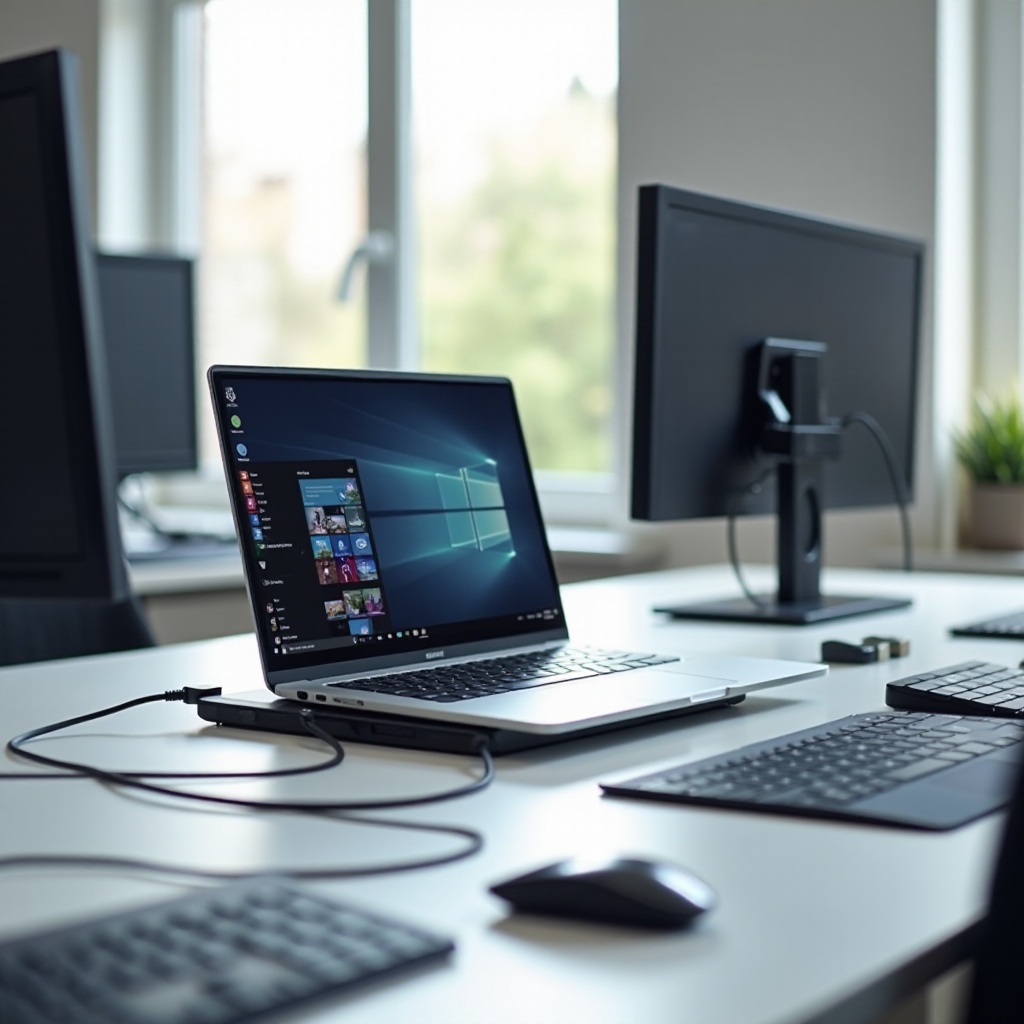
Top Picks for the Best Laptops for Docking Stations in 2024
Based on compatibility, performance, and user reviews, here are the top laptops for superior docking station performance:
-
Dell XPS 13 Plus: Known for its premium build and lightweight design, the XPS 13 Plus excels with its Intel i7 processor and numerous USB-C ports. It is ideal for both work and personal use, offering versatility and power.
-
Apple MacBook Pro with M3: Apple’s latest MacBook Pro combines mighty processing with outstanding graphics capabilities. With Thunderbolt 4 ports, it integrates smoothly with most docking stations for a flawless experience.
-
Lenovo ThinkPad X1 Nano Gen 4: Renowned for its security and sturdy design, this laptop is made for professionals. Its exquisite keyboard and multiple connectivity options make it perfect for business use.
-
HP Elite Dragonfly G4: This laptop stands out for its portability alongside its powerful performance. The multiple ports, excellent battery life, and elegant design suit mobile professionals seeking a comprehensive solution.
Each of these laptops manifests unique strengths, catering to diverse users while ensuring exceptional docking station performance.
Comparing Docking Station Compatibility and Options
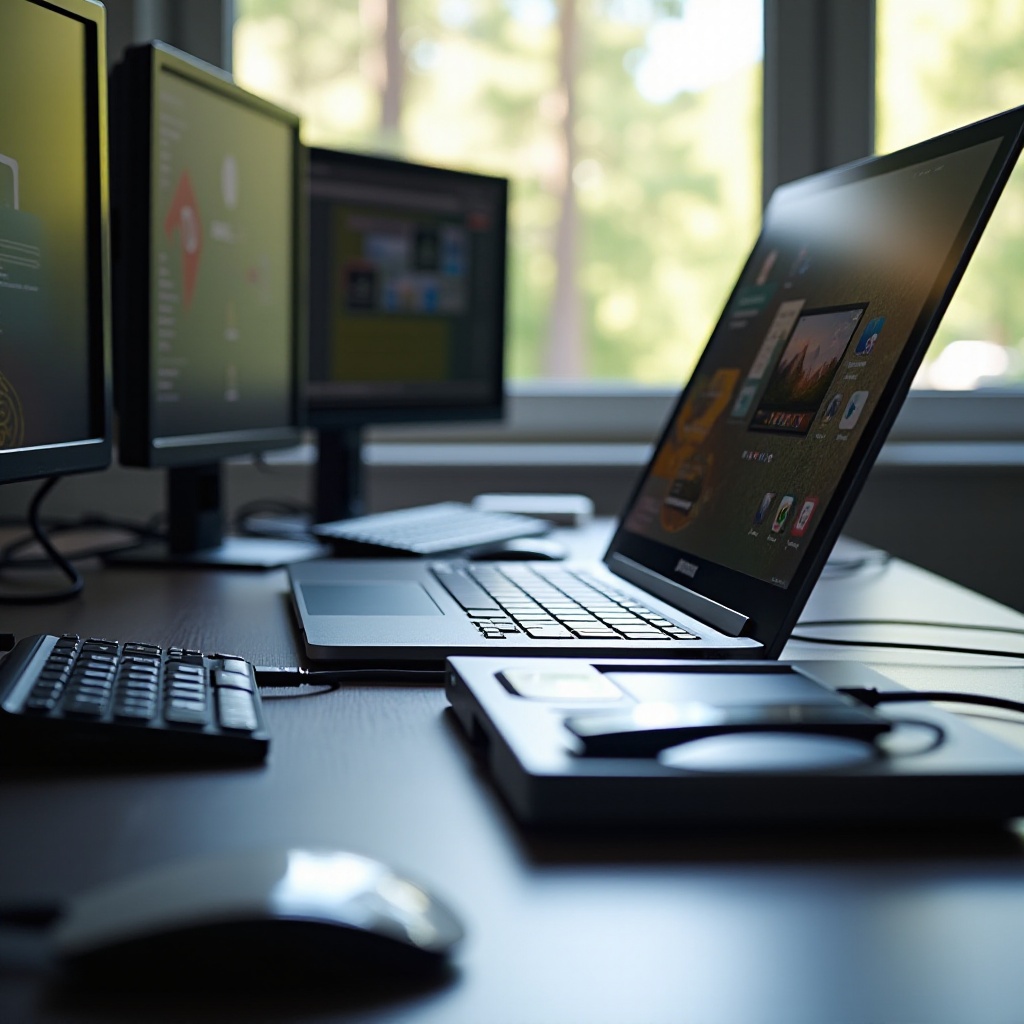
While laptops vary greatly, not all docking stations are identical. Pairing your laptop with a compatible docking station is vital. Thunderbolt 4 docks provide a broader range of connectivity and faster data transfer rates, marking them as top choices for high-performance laptops. In contrast, USB-C docks offer cost-effective solutions yet maintain ample connectivity suitable for everyday tasks.
Choosing a docking station involves examining factors such as the number and types of peripherals you intend to connect, the necessity for charging, and the quality of additional features like integrated network connectivity.
How to Choose the Right Laptop for Your Needs
Opting for the right laptop for your needs necessitates a focus on specific work habits and requirements:
-
Assess Usage Requirements: Determine the primary tasks the laptop will perform. Creative professionals may prioritize graphics power, while business users might focus on security and connectivity features.
-
Evaluate Port Needs: Consider frequently used peripherals and ensure both the laptop and dock have adequate, compatible ports to accommodate them.
-
Set a Budget: Aim to balance essential features with available finances. Premium features usually incur higher costs, but they offer considerable long-term benefits.
-
Read Reviews and Ratings: Seek laptops that boast high ratings regarding reliability and performance, particularly when docked.
Thoughtfully evaluating these factors can guide you to a selection aligned with your professional or personal computing needs.
Conclusion
Investing in a laptop that performs well with docking stations enhances productivity and simplifies workflow management. With options such as the Dell XPS 13 Plus and Apple MacBook Pro with M3, a variety of premium choices cater to diverse requirements. In the age of technological evolution, preparing your setup to be adaptable and future-ready is crucial. Make informed choices to take command of your desktop experience.
Frequently Asked Questions
What are the major benefits of using a docking station?
Docking stations offer the convenience of connecting multiple peripherals like monitors, keyboards, and mice. They enhance productivity and maintain a clutter-free desk.
Can any laptop be used with a docking station?
Many laptops can be docked, but compatibility largely depends on the ports available. USB-C and Thunderbolt-equipped laptops provide the best docking performance.
How do I know if my laptop is compatible with a docking station?
Check if your laptop has USB-C or Thunderbolt ports, or consult the manufacturer’s documentation for compatibility details. Ensure the docking station matches your laptop’s port requirements.