
Introduction
Affordable technology solutions exist for those who know where to look, and used PC monitors are a prime example. For budget-conscious buyers, these monitors offer significant savings while still delivering on performance. This guide arms you with the knowledge to find a quality used monitor that meets your needs without breaking the bank.
Why Choose Used PC Monitors?
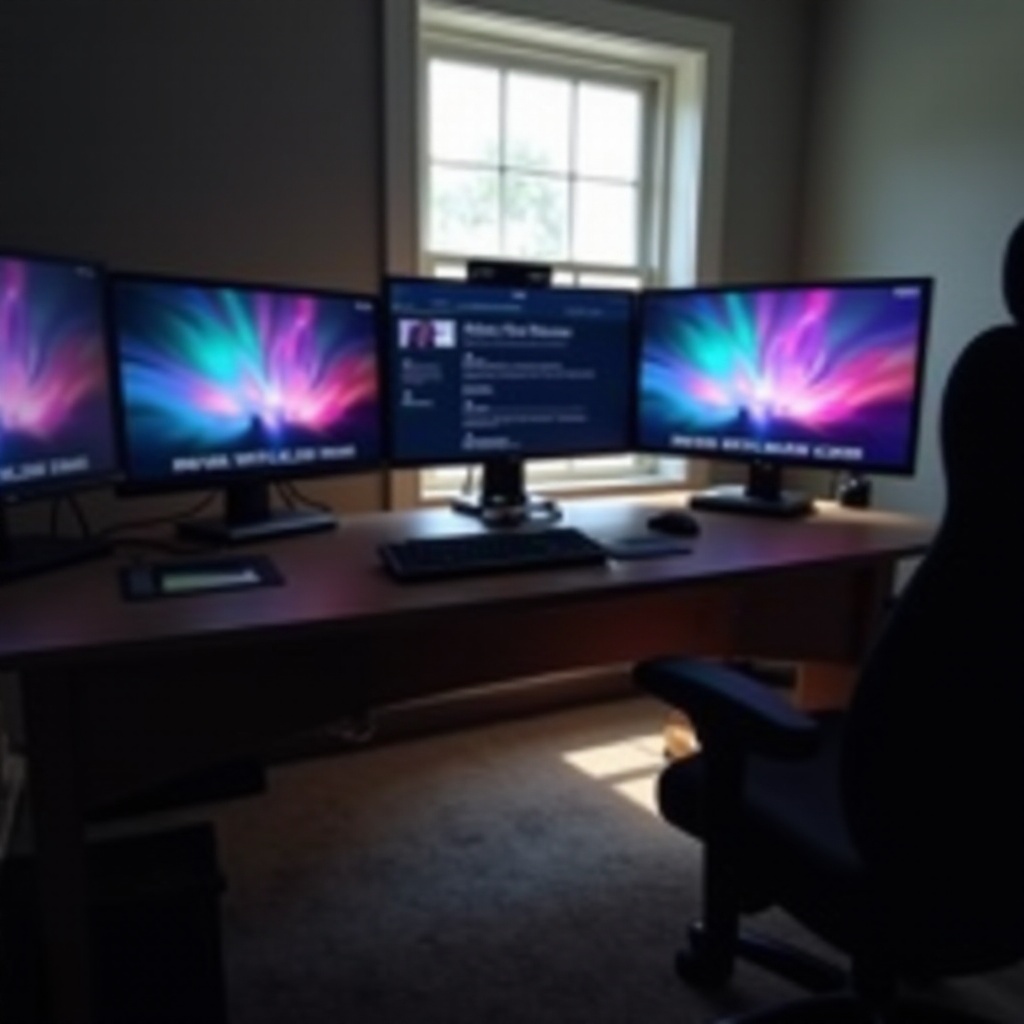
Buying used PC monitors can significantly lower your tech expenses. Technology depreciates quickly, which means you can find recent models at reduced prices. This strategy not only saves money but also supports sustainability by reducing electronic waste and extending the useful life of tech products.
Many used monitors are rich in features that were cutting-edge at their release and remain highly functional today. You can access high resolutions, vivid colors, and fast refresh rates without paying a premium. Now that we’ve established why buying used makes sense, let’s discuss what to consider before making a purchase.
Factors to Consider When Buying Used Monitors
Before purchasing a used monitor, evaluate a few key factors to ensure you’re getting a solid deal:
-
Screen Size and Resolution: Determine the most suitable screen size and resolution for your needs. For most tasks, a Full HD (1080p) monitor will suffice, though higher resolutions like 1440p or 4K might be more appropriate for gaming or design work.
-
Monitor Condition and Age: Examine the monitor for any visible signs of damage, such as scratches or dents. It’s advisable to choose a monitor that is no more than five years old to avoid outdated technology.
-
Warranty and Return Policies: Ideally, purchase from sellers who offer a warranty or return policy. This can be a safety net if the monitor does not perform as expected after purchase.
By understanding and considering these factors, you’ll be better equipped to purchase a monitor that suits your needs and budget. Next, let’s delve into the best places to find a good deal.
Top Places to Buy Cheap Used PC Monitors in 2024
There are several reliable places to buy used monitors that won’t compromise on quality:
-
Online Marketplaces: Sites like eBay and Amazon host vast selections of used monitors. They also offer seller ratings and buyer protections to enhance the security of your purchase. Ensure you check product reviews and seller ratings before buying.
-
Local Electronics Stores and Thrift Shops: Buying in-store allows you to inspect the monitor physically and often includes a return policy. Thrift stores can be a treasure trove for finding good deals.
-
Classified Ads and Online Forums: Platforms such as Craigslist or Reddit can yield excellent bargains. Engaging directly with sellers may secure better deals, but always be cautious to avoid scams.
Knowing where to shop is just part of the process. Being able to assess the quality and condition of a used monitor before purchasing is equally important.
Tips for Evaluating the Condition of a Used Monitor
When considering a used monitor, thorough evaluation is crucial:
-
Check for Physical Damage: Visually inspect for scratches, dents, and cracks. An evaluation in a well-lit area can reveal hidden imperfections.
-
Verify Display Quality: Check for dead pixels and ensure the screen displays colors correctly. You can use online tools to test for these issues effectively.
-
Test Ports and Connectivity: Confirm that all connectivity options, such as HDMI and DisplayPort, are functioning by using them on your own devices.
Proper inspection reduces the risk of dissatisfaction after purchase. Additionally, selecting from reputable brands can further ensure a durable and satisfying purchase.
Recommended Brands for Affordable, Durable Monitors
Certain brands have established reputations for durability and performance, even in the used market:
- Dell: Known for producing reliable and service-friendly products.
- HP: Offers versatile options suitable for both personal and professional settings.
- LG and ASUS: Renowned for their high-quality displays, these brands are top choices for used monitors.
Opting for monitors from these brands can enhance satisfaction and minimize the risk associated with purchasing used goods. Let’s wrap up the discussion with some final thoughts.

Conclusion
Securing a cheap used PC monitor that meets your requirements without overstepping your budget is not only possible but practical. Equipped with knowledge of what to look for, where to buy, and how to evaluate effectively, you can find the right monitor that serves both your functional needs and economic considerations. Make informed decisions to enjoy the best of what the second-hand market has to offer.
Frequently Asked Questions
How can I test a used monitor before buying?
You can test a used monitor by examining for dead pixels, checking display quality with online tools, and testing all ports for functionality.
Are there risks in buying used monitors online?
While there are risks, they can be minimized by purchasing from trusted sellers and thoroughly reviewing product descriptions and ratings.
What brands are best for used PC monitors?
Brands like Dell, HP, LG, and ASUS are reliable for used monitors due to their durability and consistent performance.