
Introduction
Choosing the best laptop for a 12-year-old involves balancing educational and entertainment needs with budget constraints. As technology continues to play an integral role in education and leisure, it’s essential to find a laptop that’s durable, reliable, and feature-rich. This comprehensive guide aims to streamline your decision-making process by highlighting the key aspects you should consider when purchasing a laptop and by offering recommendations suited for various needs and budgets.

Key Considerations for Choosing a Laptop
Understanding the critical aspects of a laptop can make the selection process easier. Parents should focus on the following factors to ensure a wise investment:
-
Durability and Build Quality: Kids often put their gadgets through rigorous use. Prioritize laptops with sturdy construction, possibly designed to endure daily wear and tear.
-
Battery Life: Ensure your child’s laptop can last throughout their daily activities, whether it’s school work or travel. Look for options offering at least 8 hours of battery life to comfortably cover a school day and homework.
-
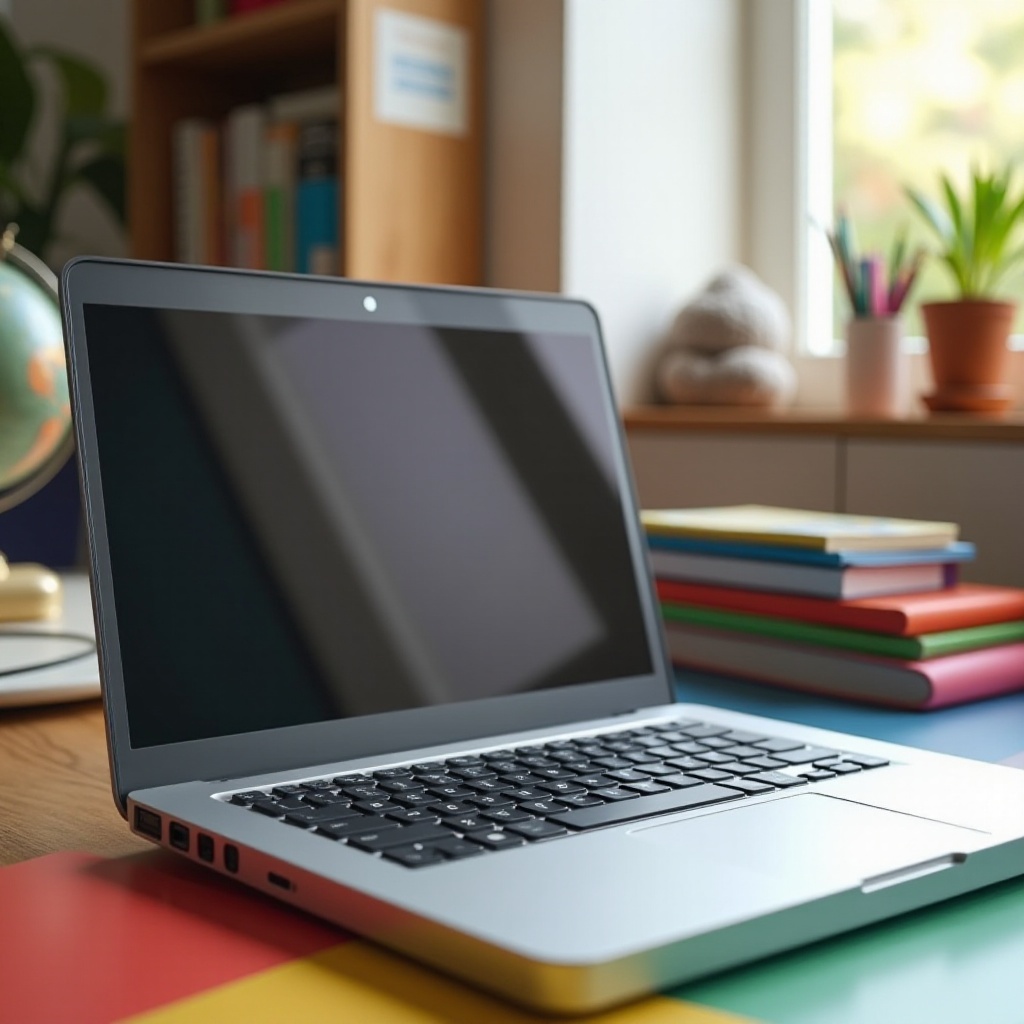
Portability and Size: Since young students may carry their laptops to school, selecting a lightweight model with a screen size between 11 and 14 inches is advisable. This range strikes a balance between usability and portability.
These considerations naturally lead to the technical attributes which are essential in determining overall performance.
Essential Technical Specifications
Every laptop’s capability largely depends on its technical specifications. Knowing these can help you evaluate the ideal machine:
-
Recommended RAM and Storage: A minimum of 8GB RAM helps in efficiently running educational software and light gaming applications. Opt for laptops with at least 256GB of storage to ensure there’s adequate space for applications, documents, and multimedia content.
-
Processor Types and Performance: For smooth multitasking, invest in a laptop with a modern processor, such as an Intel Core i5 or an AMD Ryzen 5. These processors provide enough power for most educational and light entertainment tasks.
-
Screen Size and Resolution Considerations: Choose a laptop with a Full HD resolution for clearer, sharper visuals. This will make watching educational videos and engaging in multimedia activities more enjoyable.
With the specifications covered, it’s time to dive into our top picks for laptops that fit these criteria.
Top 5 Laptops for 12-Year-Olds in 2024
Here are our top recommendations for laptops that cater to the diverse needs of modern 12-year-olds:
- Laptop 1:
- Features: Compact design, 12-hour battery life.
- Pros: Includes robust parental controls and an affordable price.
-
Cons: Limited color options make personalization scarce.
-
Laptop 2:
- Features: 13-inch Full HD display with stylus support.
- Pros: The convertible 2-in-1 design enhances versatility.
-
Cons: The weight might be a drawback for portability.
-
Laptop 3:
- Features: Equipped with 8GB RAM and fast SSD storage.
- Pros: Sleek design and quick boot-up times.
-
Cons: Battery life is satisfactory but shorter compared to peers.
-
Laptop 4:
- Features: Reinforced durable build and 256GB storage.
- Pros: Made to withstand rigorous daily use.
-
Cons: The display is less vivid in bright light settings.
-
Laptop 5:
- Features: High-performance processor paired with a 512GB SSD.
- Pros: Excellent for multitasking tasks.
- Cons: Positioned at the higher end of the price spectrum.
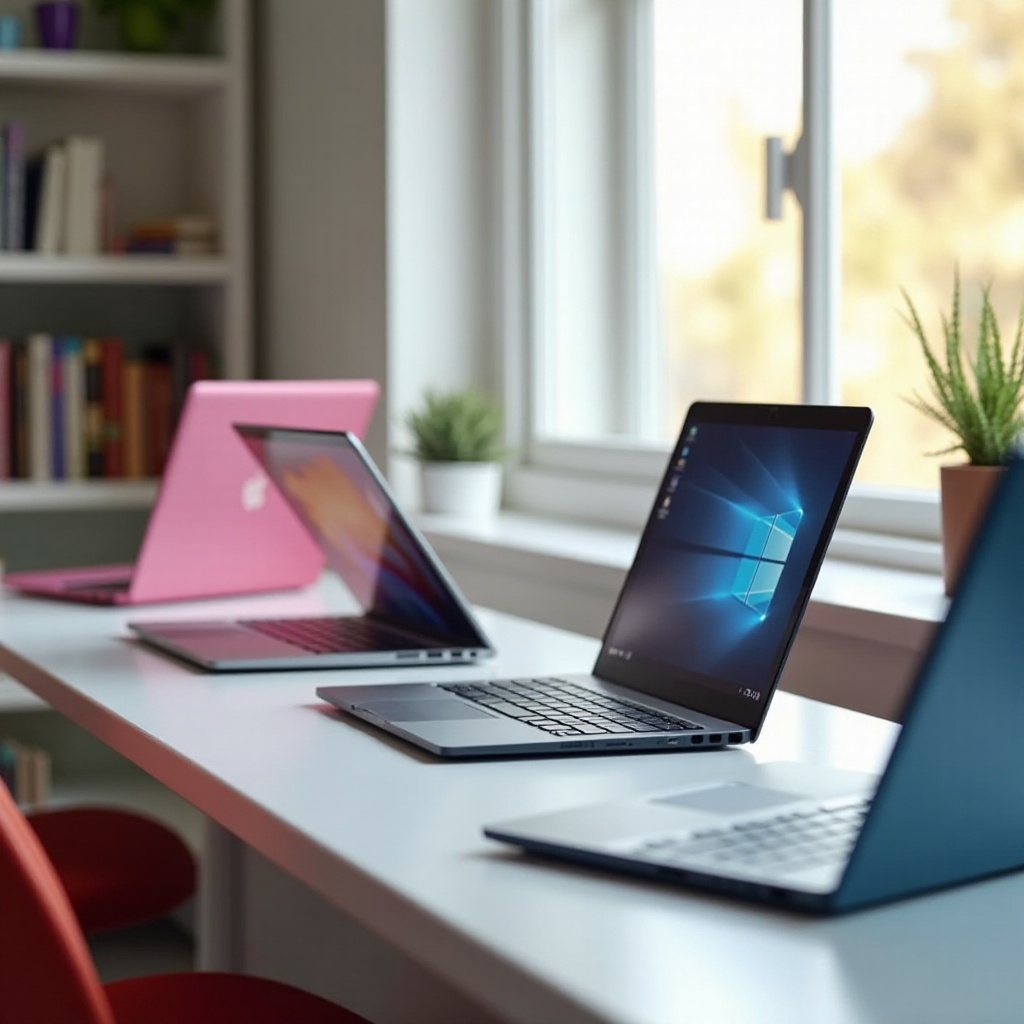
Each of these options provides a blend of required features customized for different user needs and preferences. Now, let’s discuss budget considerations and how they relate to choosing the right laptop.
Budget and Value Considerations
When selecting a laptop, balancing cost with essential features is crucial:
-
Affordable Price Ranges: Typically, a reasonable investment for a child’s laptop ranges from $300 to $700. This range generally covers quality constructions, sufficient performance, and additional useful features without unnecessary spending.
-
Balancing Cost and Features: Determine which features are most important, whether it’s portability, durability, or performance capabilities, and focus your search around those criteria to make a cost-effective purchase.
Once your budget and feature priorities are aligned, it’s worth considering additional features that may add value to your child’s experience.
Additional Features to Consider
To further enhance the laptop’s usability for your child, consider additional functionalities:
-
Parental Controls and Safety Features: Opt for laptops that offer strong parental controls to monitor activity and restrict inappropriate content, which ensures a safer online environment.
-
Extra Functionalities: Touchscreen capabilities and convertible designs, like 2-in-1 laptops, offer increased interactivity. These features make the devices more engaging and versatile for educational and entertainment purposes.
By considering these features, you’ll ensure that the laptop provides not just functional benefits, but also a secure and engaging user experience.
Conclusion
In conclusion, the best laptops for 12-year-olds in 2024 seamlessly blend functionality, price, and additional features that align with a child’s needs. From durable builds to technical excellence, these options ensure value for money while supporting your child’s educational and recreational activities. Ensure you take into account the specifics that matter most to you and your child to make an informed purchasing decision most appropriately suited to your family’s needs.
Frequently Asked Questions
How durable are laptops for kids?
Most laptops for kids have sturdy designs and additional durability features like reinforced corners and spill-resistant keyboards to handle rough use.
What is the best screen size for a child’s laptop?
A screen size between 11 and 14 inches is ideal, offering a balance of portability and usability.
How much should I spend on a child’s laptop?
Spending between $300 and $700 is reasonable to cover durability, battery life, and performance without overpaying.