
Introduction
The Amazon Echo Dot with Clock is not just another gadget; it is a practical tool that enhances everyday living. By merging traditional clock functionality with advanced smart technology, it has become a favorite among smart speaker enthusiasts. This guide delves into its features, setup, advantages, and comparisons, providing a detailed understanding of why it stands out in the world of smart speakers.
Features of the Amazon Echo Dot with Clock
The Echo Dot with Clock offers diverse features that go beyond simple timekeeping.
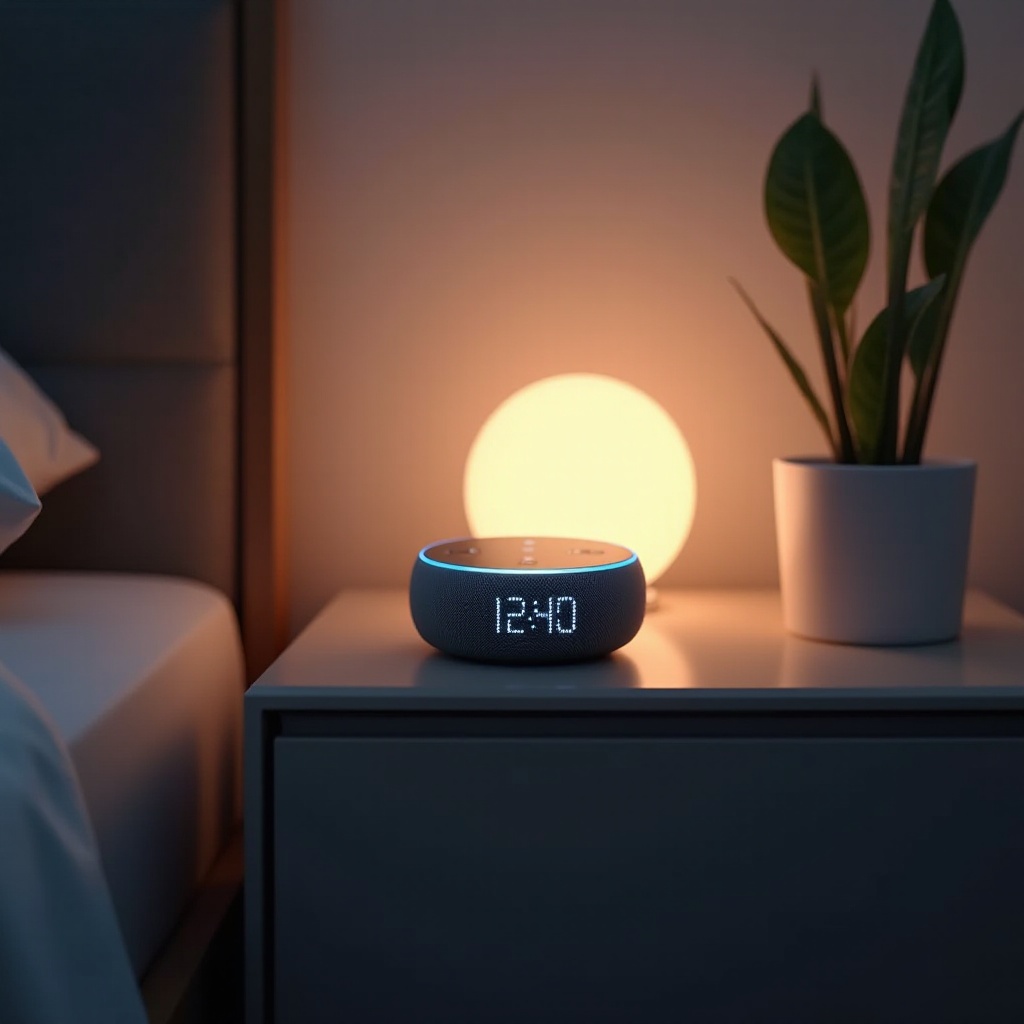
- Design and Build Quality: Its sleek, fabric-covered design allows it to blend into any decor effortlessly, adding a touch of elegance to your room.
- LED Clock Display Features: The LED display is not limited to showing the time. It also displays alarms, timers, and the current temperature, making it a multifunctional tool.
- Sound Quality and Performance: Despite its compact size, the Echo Dot delivers high-quality audio, offering crisp sound and balanced bass, making it ideal for music, audiobooks, and more.
- Alexa Capabilities and Smart Home Integration: With Alexa, the Echo Dot transforms into your home’s command center, enabling voice control over various smart gadgets and providing news, weather updates, and more.
Understanding its features is crucial to maximizing its potential. Let’s move forward to the setup process to ensure your device is ready for optimal performance.
Setting Up Your Echo Dot with Clock
Setting up your Echo Dot with Clock is straightforward and user-friendly:
- Initial Setup Guide: Start by plugging in your device. Open the Alexa app on your smartphone and select ‘Add Device’ to initiate the process.
- Integrating with Alexa App: Follow the on-screen prompts to connect your Echo Dot to a Wi-Fi network, allowing it to communicate seamlessly with other smart devices.
- Personalizing Settings: Customize your device settings within the app, including the display brightness and interactive functionalities to suit your environment.
With your device set up, it’s time to explore how to leverage its features effectively.
Making the Most of the Echo Dot with Clock
Maximize the potential of your Echo Dot with these practical tips:
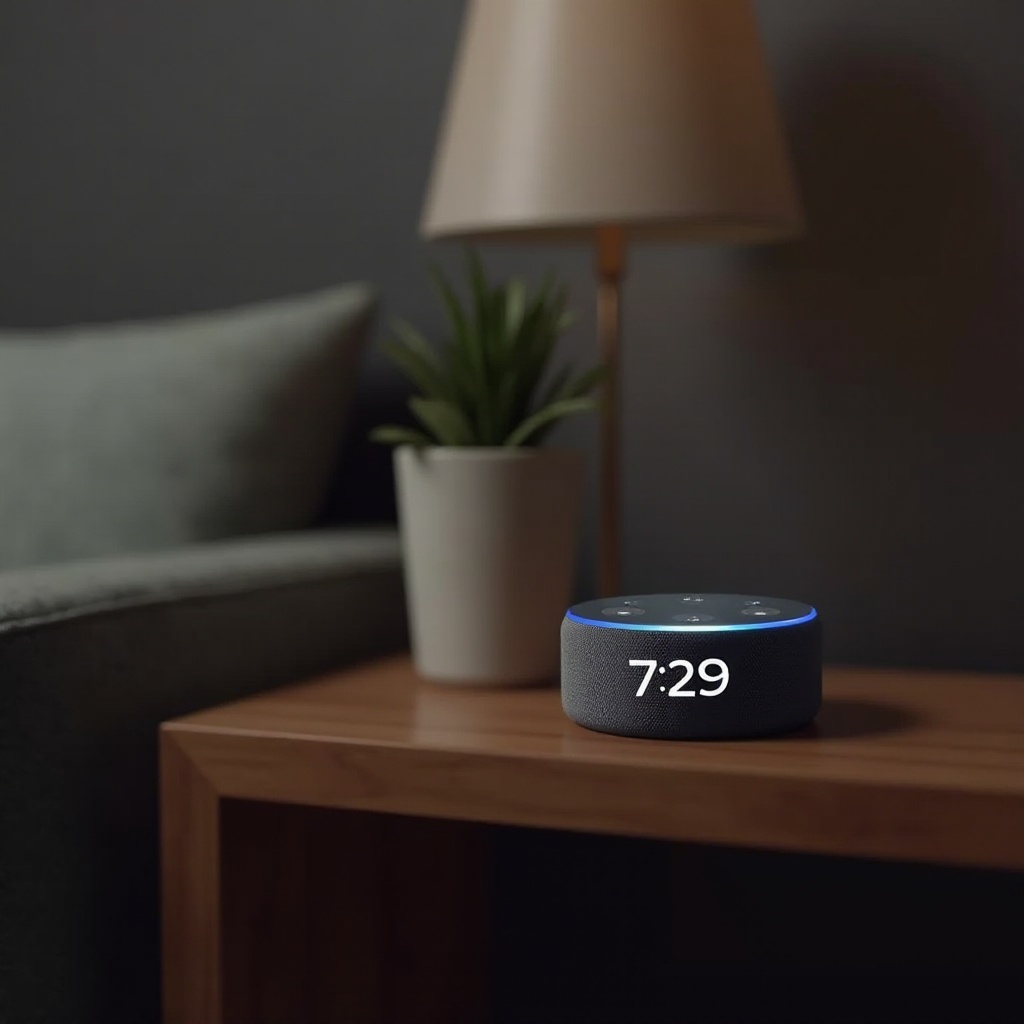
- Customizing Alarms and Timers: Create personalized alarm tones and set convenient timers for daily routines or specific tasks.
- Useful Alexa Skills: Enable skills that align with your needs, such as managing your shopping list, playing specific genres of music, or controlling smart home devices.
- Smart Home Automation: Establish routines by grouping smart devices, allowing you to control multiple functionalities with a single command, enhancing home convenience.
Harnessing these capabilities offers not only convenience but a smarter way of living. Before deciding if purchasing this device is the right choice for you, let’s weigh the pros and cons.
Pros and Cons of the Amazon Echo Dot with Clock
Considering the pros and cons helps in making an informed decision:
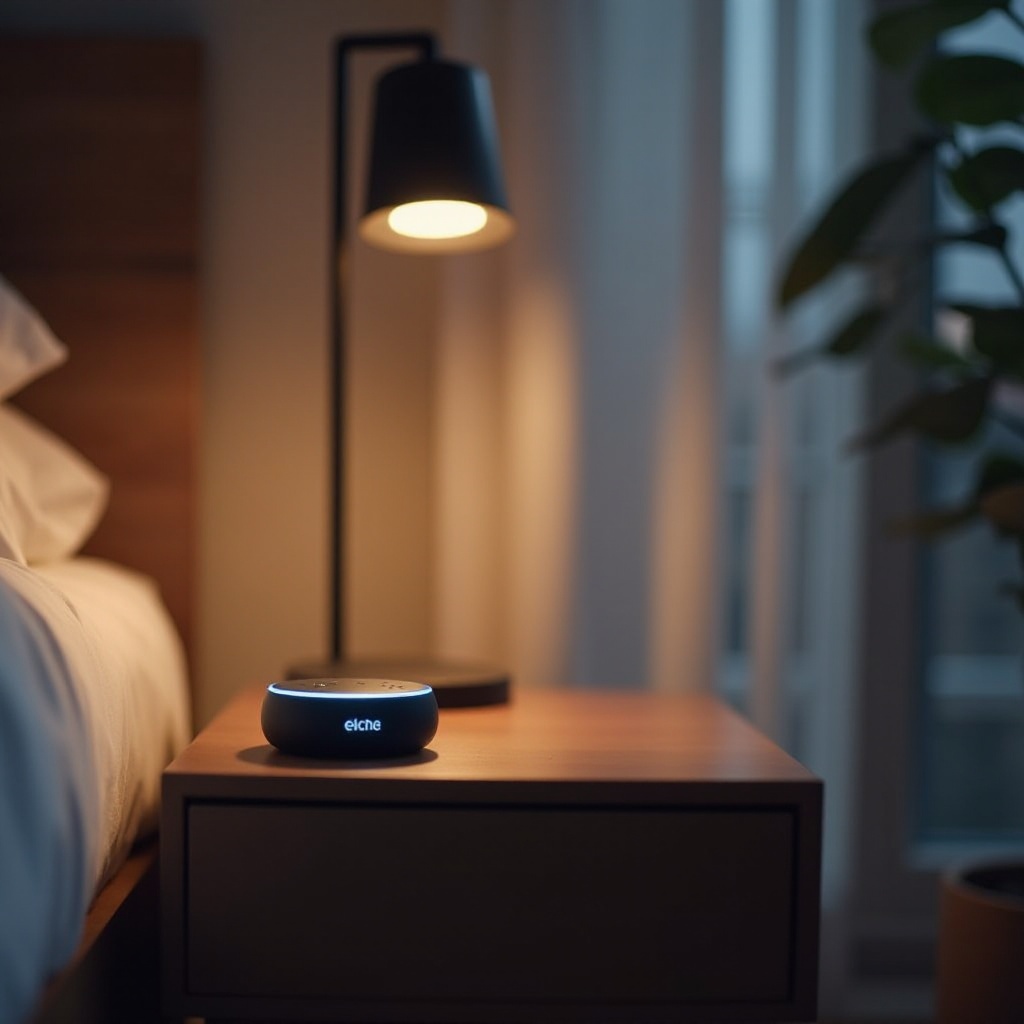
- Advantages of Owning This Device: Compact design, multifunctionality, and seamless integration with smart home devices are significant pluses. It’s a perfect addition to bedrooms or offices where space and functionality are paramount.
- Limitations to Consider: It’s essential to note that, while the sound quality is good, it might not satisfy audiophile standards. The necessity to keep it plugged in at all times can limit its placement flexibility.
After understanding its strengths and potential drawbacks, you might wonder how it compares with other devices in Amazon’s lineup.
Comparison with Other Echo Devices
When looking at Amazon’s range, each Echo device offers something different:
- Differences Between Echo Dot Models: The primary distinction with the Echo Dot Clock model is its LED display, making it a go-to for those needing quick visual cues.
- Echo Dot with Clock vs. Echo Show: While both offer displays, the Echo Show provides full video capabilities, suitable for kitchens or living rooms where a visual interface can enhance the user experience.
- Ideal Use Cases for Each Device: The Echo Dot with Clock is excellent for bedside tables and offices, while the Echo Show suits areas where video calls or visual content might be more beneficial.
Understanding these comparisons allows for a well-informed purchase decision. For further insights, let’s turn to real-world user feedback.
User Experiences and Testimonials
User feedback highlights the Echo Dot with Clock as an ideal choice for those wanting an all-around device with added clock functionality. Its ease of use and seamless integration with various smart home products are consistently praised. Experts highlight its balance between price and functionality, confirming it as an excellent entry point into smart home technology.
Conclusion
The Amazon Echo Dot with Clock perfectly marries tradition with innovation, redefining convenience and smart interaction. From its robust feature set to its seamless home integration, it offers more than meets the eye. If you’re venturing into the world of smart speakers or expanding your smart home ecosystem, it’s indisputably a worthy consideration.
Frequently Asked Questions
How does the Amazon Echo Dot with Clock differ from other Echo Dots?
The key difference is its LED display, ideal for quick time checks and status updates.
Can the clock brightness on the Echo Dot be adjusted?
Yes, brightness can be adjusted via the Alexa app to ensure comfort in various lighting conditions.
Is the Echo Dot with Clock compatible with other smart home devices?
Absolutely, it seamlessly integrates with a wide range of smart home products to enhance control and functionality.