
Introduction
Tablets are versatile tools, perfect for entertainment and productivity. However, storage capacity can become a limitation for many users. Fortunately, selecting tablets that read SD cards offers an economical and flexible solution for expanding storage effortlessly. Whether you need space for photos, videos, or apps, tablets with SD card slots are a smart choice. This guide will help you understand why SD card compatibility is beneficial and provide insights into choosing the right tablet for your needs.
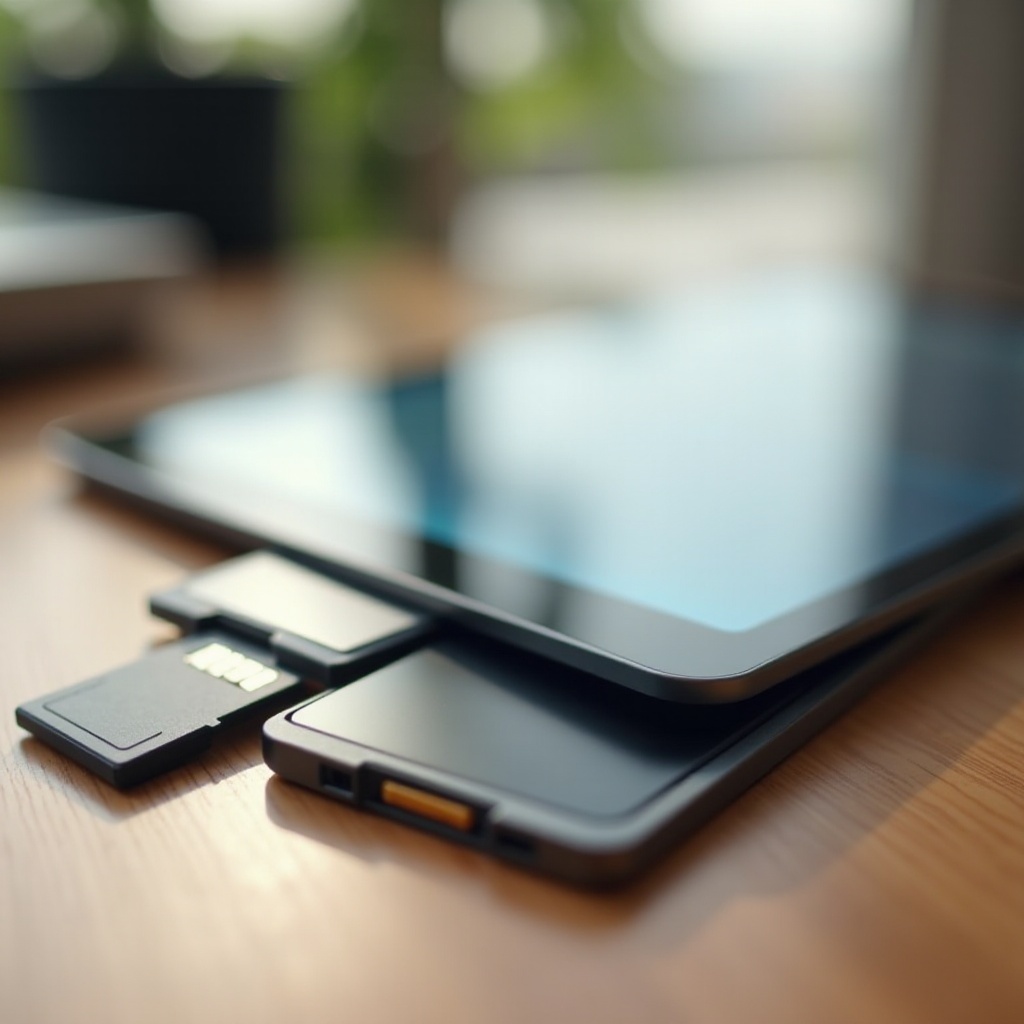
Why Choose a Tablet with SD Card Support?
Opting for a tablet with SD card support can significantly enhance your experience by offering additional storage options. Here are some key reasons:
-
Cost-Effective Expansion: Expanding storage with an SD card is usually less costly than purchasing a tablet with larger internal memory.
-
Simple Data Transfer: SD cards allow for quick and easy file transfers between devices, eliminating the need for cloud storage or cables.
-
Enhanced Flexibility: Store and organize apps, media files, and documents efficiently by swapping SD cards as needed.
-
Improved Organization: Separate personal and professional files or organize by project or media type for convenient access.
With these benefits in mind, selecting the right tablet maximizes the potential and utility of SD card technology.
Top Tablets That Support SD Card Expansion in 2024
Several high-quality tablets boast excellent SD card support. Here are some outstanding choices:
Samsung Galaxy Tab S10 Series
Samsung consistently leads in tablet technology, and the Galaxy Tab S10 Series stands out. With a sleek design, stunning display, and robust performance, these tablets support microSD cards up to 1TB, making them ideal for users seeking both performance and expandable storage.
Lenovo Tab P13 Pro
Lenovo’s Tab P13 Pro offers a vibrant display coupled with powerful processing capabilities. It supports microSD cards up to 512GB, providing ample space for multimedia and large applications. Its user-friendly interface and strong battery life make it an excellent choice for entertainment and productivity.
Microsoft Surface Go 4
The Surface Go 4 is a versatile 2-in-1 option, perfect for mobile professionals. With microSDXC support, users can significantly expand storage, enabling on-the-go access to important files. Its compact form factor, combined with Windows compatibility, ensures smooth multitasking.
Other Notable Mentions
-
Acer Iconia One 10: Affordable yet capable, providing expandable storage for managing essential content.
-
Amazon Fire HD 11: Known for great value, it supports microSD cards, making it a smart choice for budget-conscious users.
Each of these tablets offers unique features catering to various needs, so it is crucial to identify the right fit for your specific usage patterns.
Key Considerations When Choosing a Tablet with SD Card Support
When selecting a tablet with SD card capabilities, here are some critical factors to consider:
-
Storage Capacity Compatibility: Ensure the tablet supports the SD card size you require.
-
Performance Requirements: Assess necessary processing power and RAM to ensure optimal tablet performance.
-
Price vs. Features: Balance the cost with the features provided to ensure great value for money.
Carefully considering these factors ensures that you select a tablet tailored to your specific needs, maximizing the benefits of SD card support.

How to Effectively Use SD Cards with Your Tablet
Having chosen the perfect tablet, making the most of SD card usage is vital for optimizing efficiency:
- Managing Storage and Transferring Data:
- Insert the SD card into your tablet’s designated slot.
- Use the tablet’s file manager for transferring apps and media.
-
Regularly move non-essential daily files to the SD card for freeing up internal storage.
-
Troubleshooting Common SD Card Issues:
- Ensure correct formatting of the SD card for compatibility with your tablet.
- Check if the card is properly inserted if the tablet does not recognize it.
- Use high-quality SD cards to prevent data corruption and ensure fast transfer speeds.
By managing your SD card effectively, you’ll significantly improve your tablet’s performance, allowing more room for crucial data.
Conclusion
Choosing a tablet with SD card support is a practical, affordable way to expand your device’s capabilities beyond its internal storage. These tablets not only provide excellent data storage solutions but also enhance flexibility and organization for the user. Consider your storage needs, tablet performance, and value to enjoy a streamlined, adaptive digital experience.
Frequently Asked Questions
Can all tablets read SD cards?
No, not all tablets have an SD card slot. It’s essential to check the tablet specifications to confirm if it supports SD card expansion before purchasing.
How do I know if my tablet supports an SD card?
You can usually find this information in the tablet’s user manual or specification sheet. Look specifically for ‘SD card slot’ or ‘expandable storage’ as features.
What should I do if my tablet doesn’t recognize the SD card?
Ensure the card is correctly inserted, format the card using your tablet, and check for any updates to the tablet’s software that might resolve compatibility issues.